
Android parental safety app
Walking Safety App and App Blocker for Kids
Walking safety. Fewer distractions.
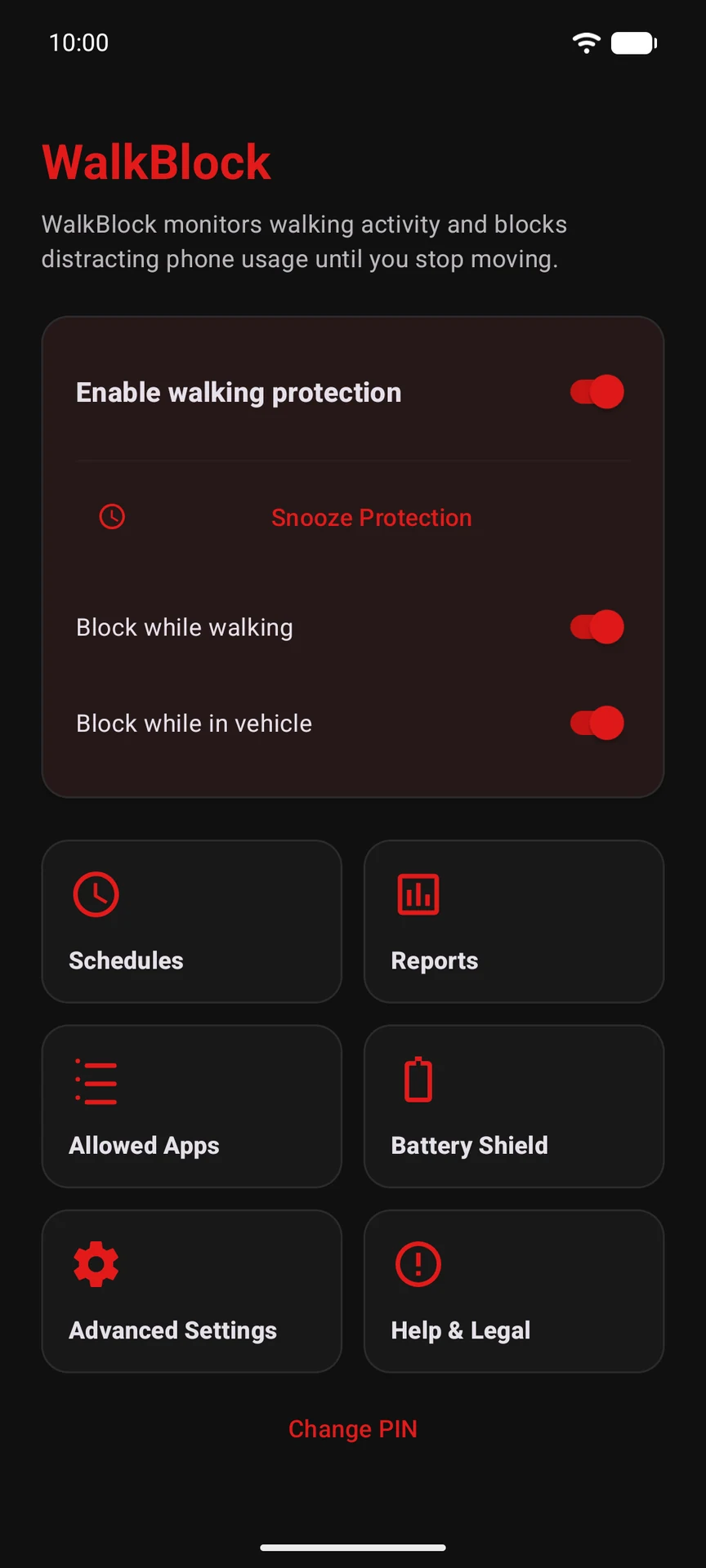
WalkBlock automatically blocks distracting Android apps while your child walks or moves. Parents protect settings with a PIN, while calls, maps and essential apps can remain available.
Get WalkBlock on Google Play →Already using WalkBlock? We can help →
Parent PINEssential apps allowedNo continuous GPS tracking
How it works
Set it once. Test it together.
Choose app rules
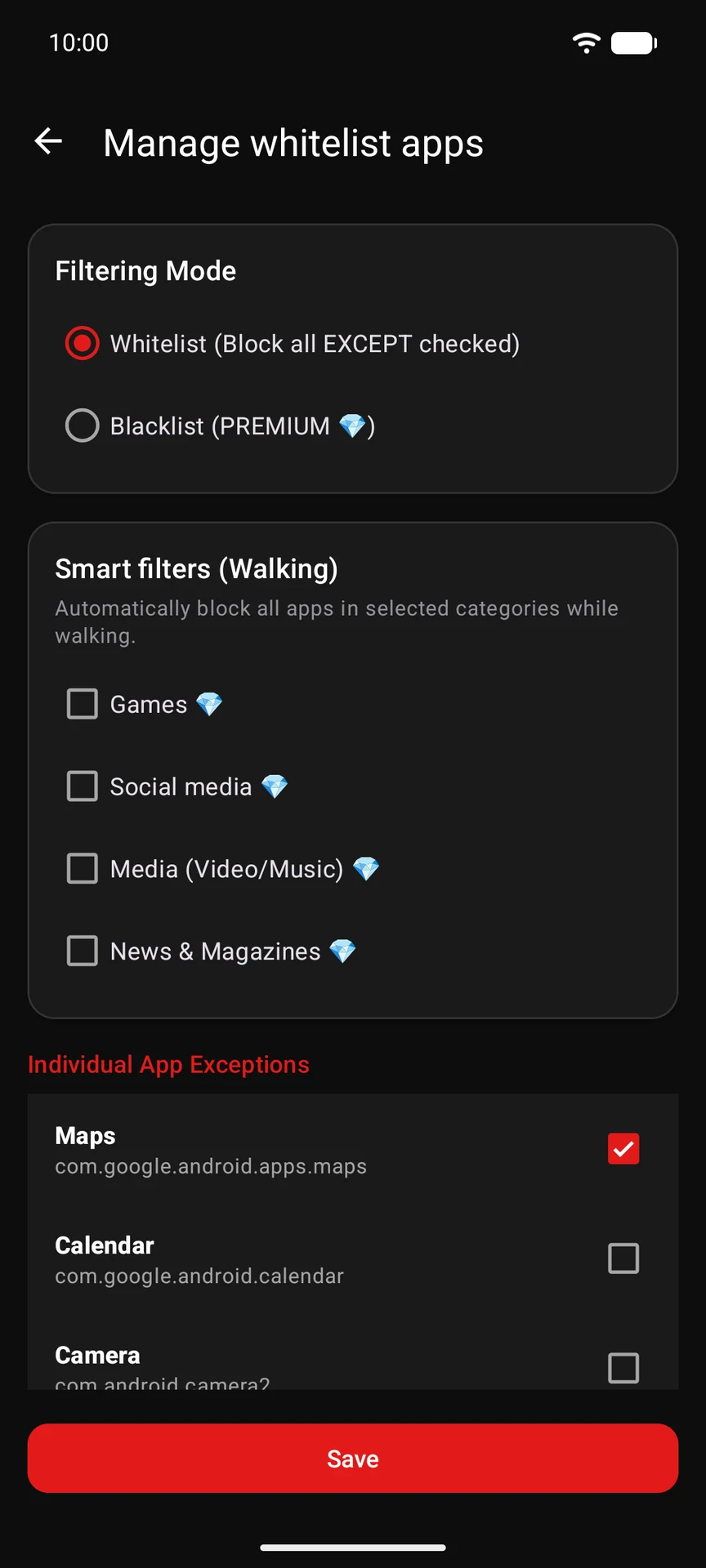
Select distracting apps and keep essential tools available.
Protect settings
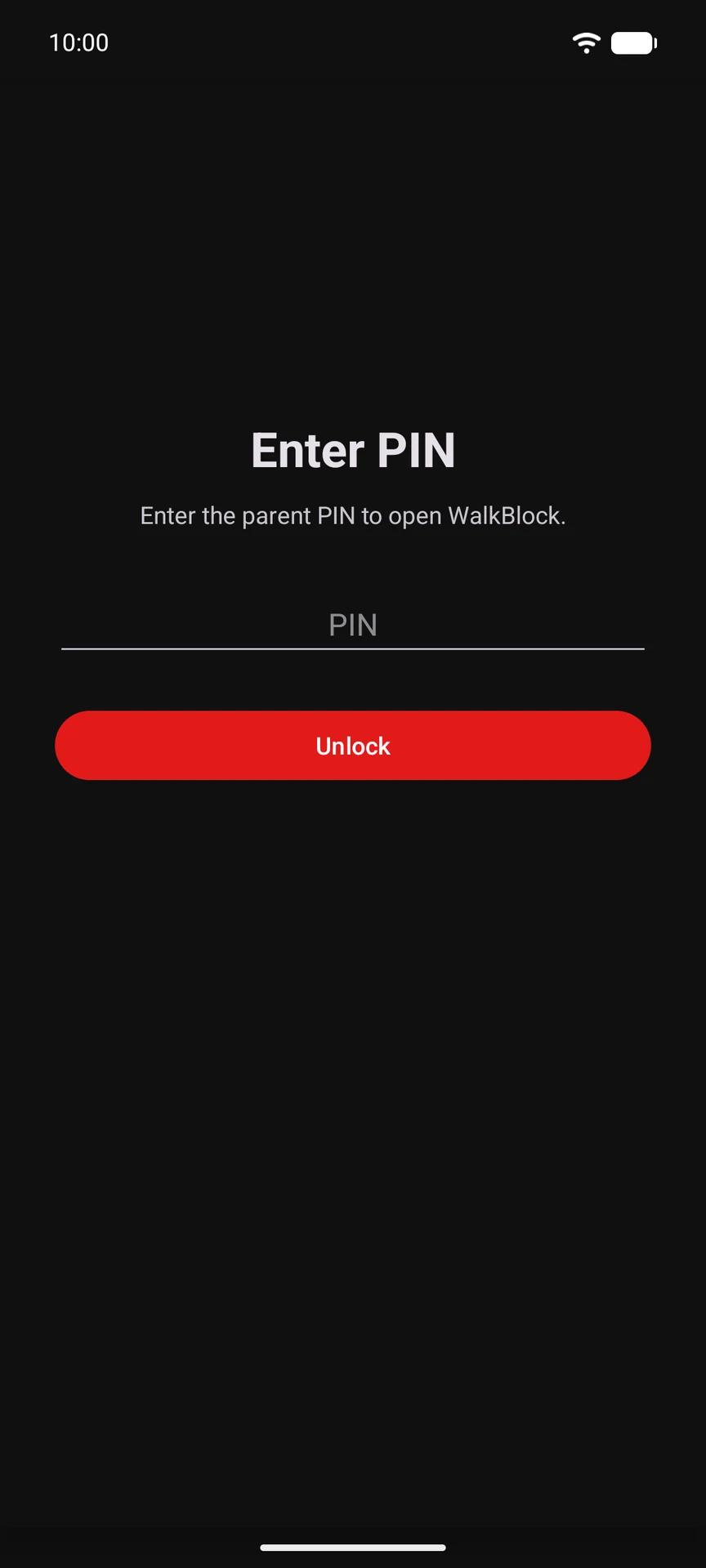
Use a parent PIN and complete the Android permission checks.
WalkBlock reacts
A safety screen interrupts selected apps when movement protection is active.
Privacy by design
Movement. Not whereabouts.
WalkBlock’s current Android configuration does not request location permission or provide a continuous family map.
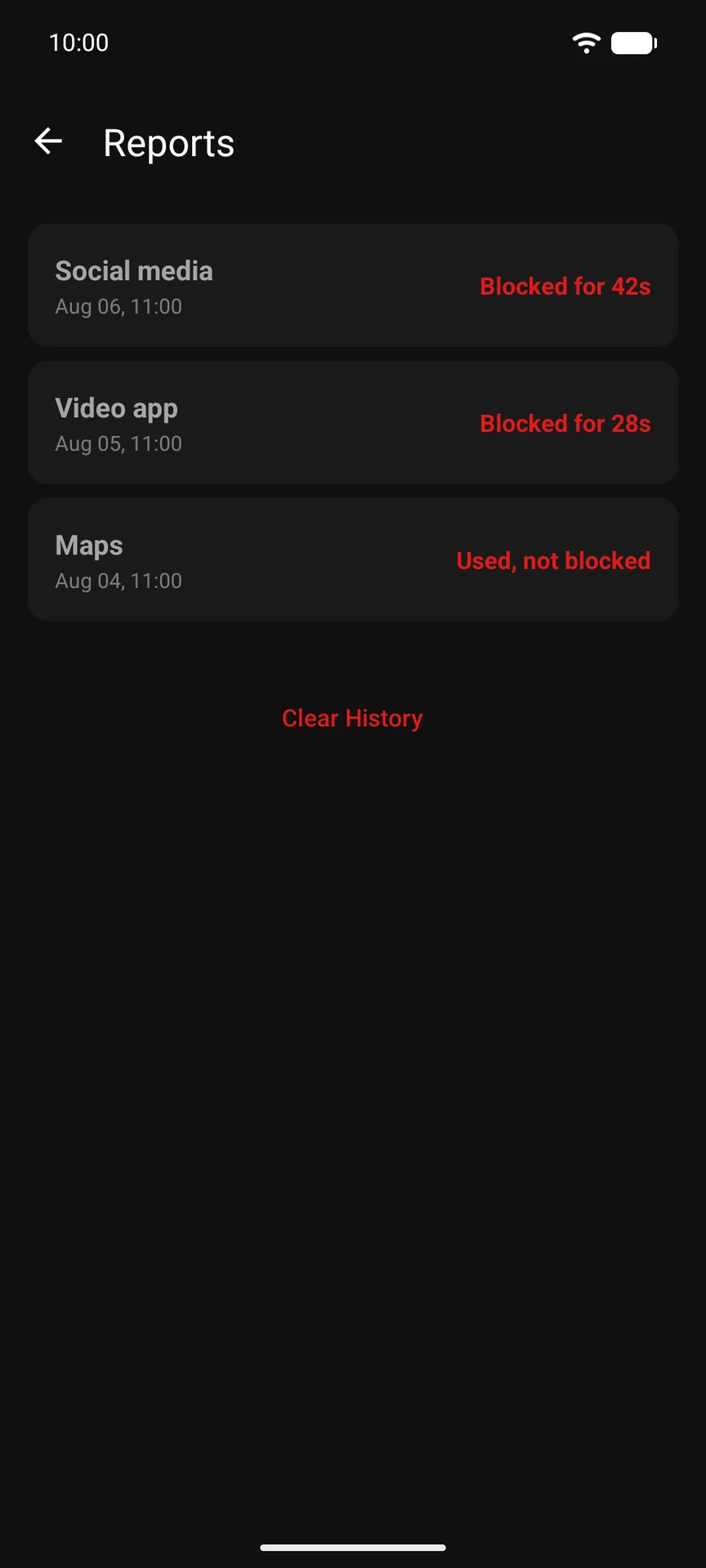
Real app screens
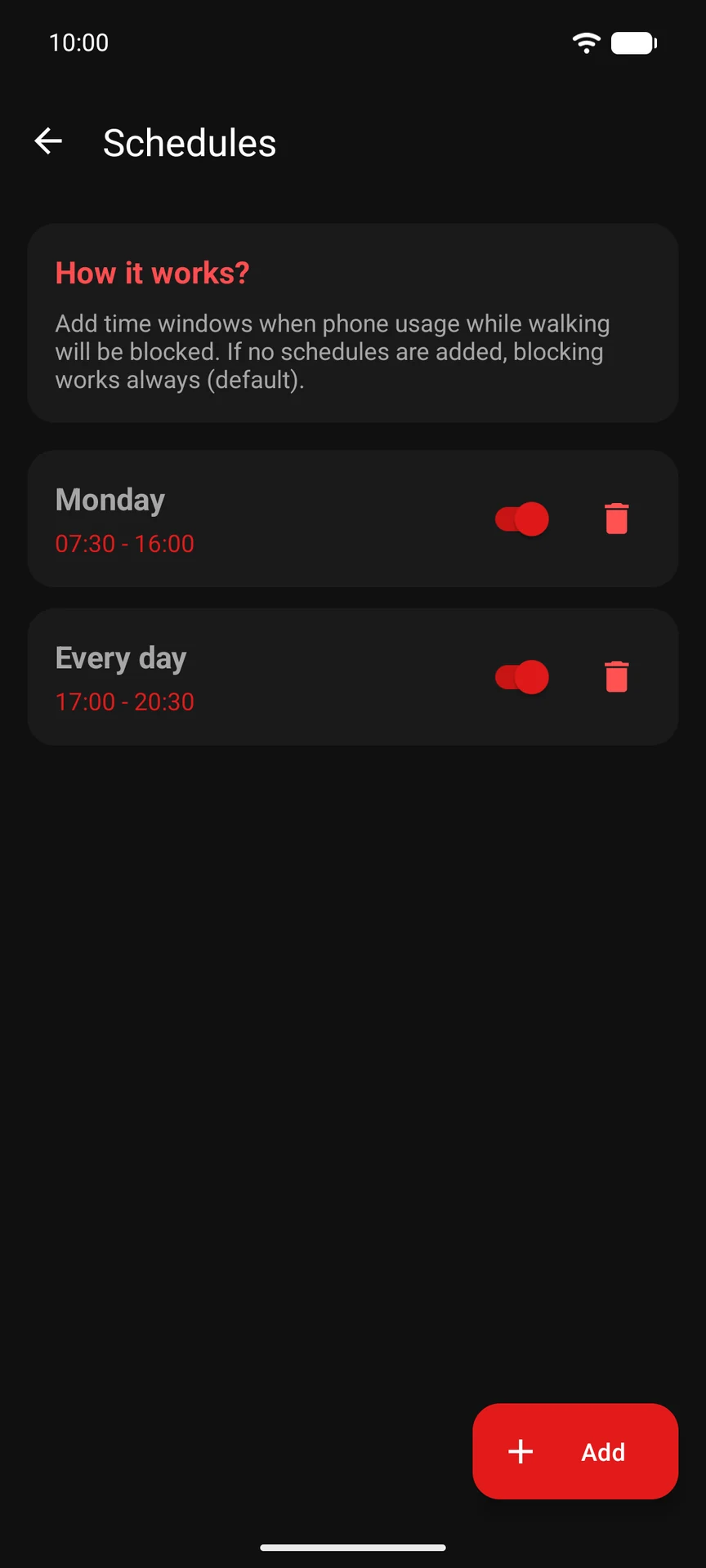
Simple tools for parents.
Explore
One clear safety purpose.
App blocker for kids
Why movement-aware protection complements normal screen-time limits.
Block apps while walking
What happens during movement, stillness and transport.
Privacy without GPS
Understand permissions, local settings and the no-map approach.
Safer steps start here.
Get WalkBlock on Google Play →Here to help
Questions? Talk to us.
Setup, app settings or something unexpected. Send us a message.